Udio Download Guide: Formats, Quality, and What to Do Next
Downloading from Udio is the easy part. What almost nobody tells you is what the exported file still contains, and why the same download that plays perfectly on your laptop gets rejected the moment you try to release it.
- Download the highest-quality format Udio offers you. Starting from a lossy file limits everything downstream, including mastering
- The export carries generation artifacts that are inaudible to you and readable by the classifiers every distributor runs at upload
- Third-party Udio downloaders are mostly unnecessary and often risky. Native export is the safe path; bulk tools exist for Suno playlists
- The step that matters is what happens after the download: process the file before distribution, or the release fails at the gate
The download is the easy part
A Udio download takes one click. Open the track, hit download, and it lands in your downloads folder ready to play. That is where most guides on this topic stop, and it is also where the actual problem starts.
The file you just downloaded plays perfectly. It sounds like the track you made. And if you upload it to a distributor tomorrow, there is a strong chance it comes back rejected, with no explanation that connects to anything you can hear. This page covers the download properly, then covers the part that decides whether the download was worth anything.
Getting the best export Udio will give you
One rule governs this: take the highest quality your plan offers, every time.
Audio quality is a one-way door. You can convert a lossless file to MP3 later for a demo, a Discord share, or a video edit. You cannot go the other direction. Every subsequent step in your chain, including mastering and any processing before distribution, works better with more information in the source file. Starting from a heavily compressed export means baking compression artifacts into a master you then send to Spotify.
Practical notes on the export:
Check your plan tier before assuming. Available formats and quality ceilings vary by subscription level, and the download button does not always announce what it is giving you.
Download promptly and keep originals. Keep an untouched copy of every export in its own folder, separate from anything you have processed. When you later need to reprocess, remaster, or answer a question about provenance, the original is the thing you need and the thing people most often overwrite.
Keep the generation record. Prompt, date, plan tier, and settings. Costs nothing, and it is the documentation that answers platform questions fast if a track is ever queried.
Third-party Udio downloaders: mostly a bad trade
Search "udio downloader" and you will find browser extensions and web tools promising bulk export. Most are a poor trade.
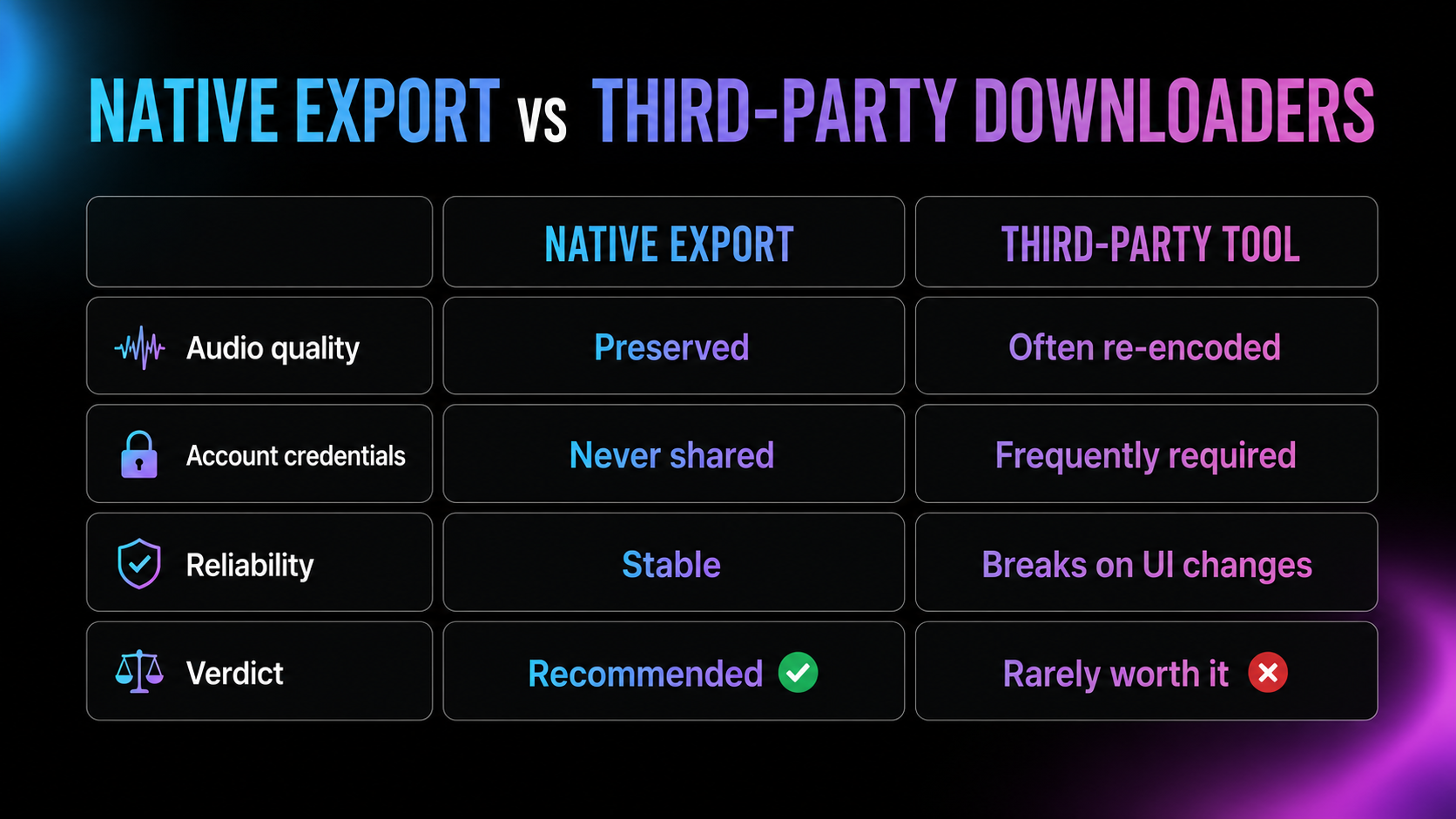
They break constantly, because they scrape a front end that changes without notice. Many ask for your Udio credentials, which hands account access to an unknown third party. And a number of them re-encode audio during download, silently degrading quality in exactly the way the previous section warns against, so the "convenience" costs you the master.
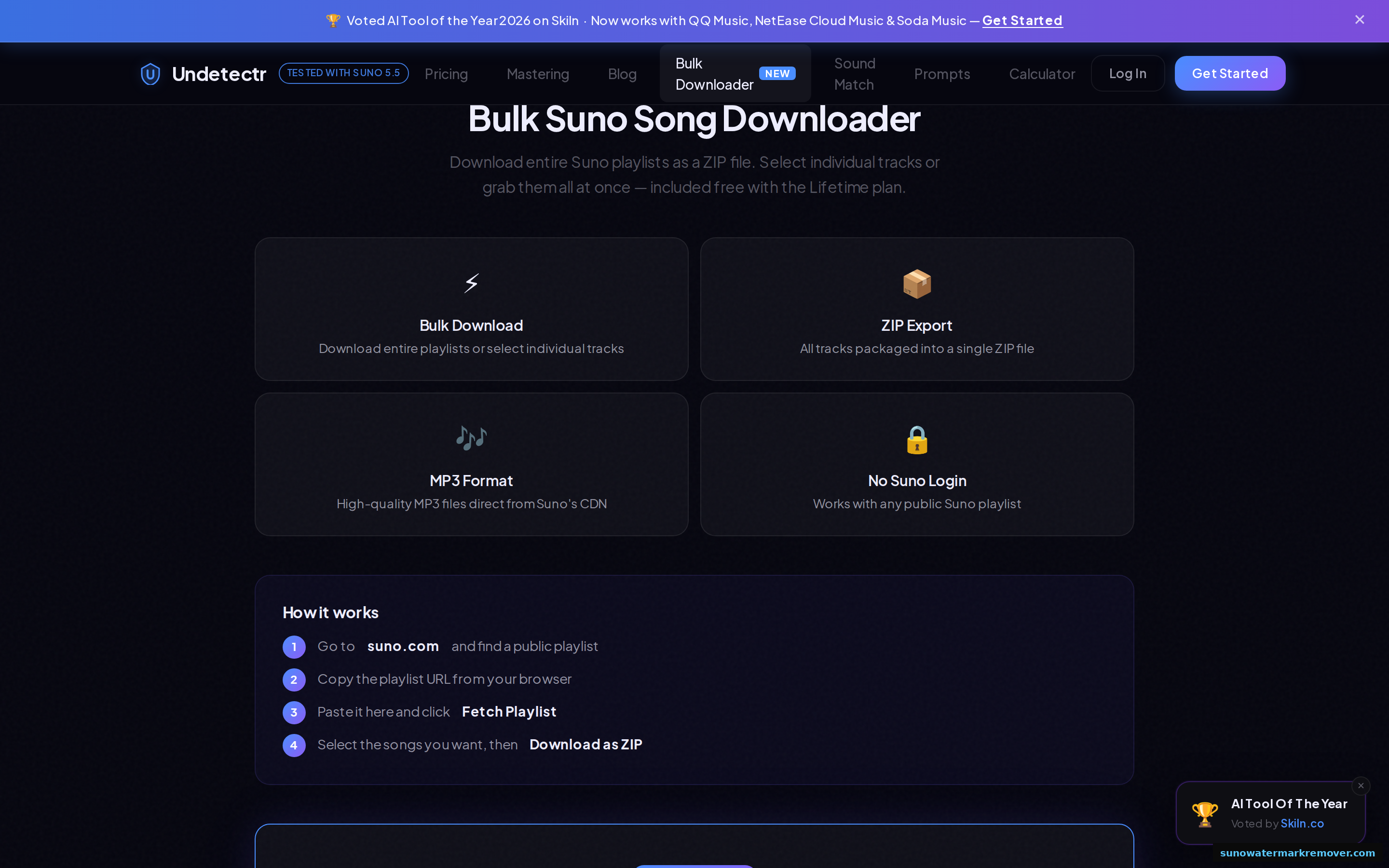
Native export is the safe path for Udio. Bulk tooling is genuinely useful for large catalogues, and it does exist in this space: Undetectr bundles a bulk downloader, though that particular feature targets Suno playlists rather than Udio, as covered in our Suno downloader guide.
What is actually in the file you downloaded
Here is the part that decides your release.
A Udio export is not just audio. Woven through its spectral content are statistical generation artifacts: incidental byproducts of how the model synthesised the track. You cannot hear them. Your monitors cannot reveal them. They survive format conversion, re-encoding, and normal editing.
They are also exactly what every distributor's screening system reads. As we document across our AI music detector guide and Udio watermark page, upload screening at DistroKid, TuneCore, CD Baby, and streaming platforms is a statistical classifier looking for these patterns. It does not evaluate your music. It scans the file and returns a probability.
This is why the "download at higher quality to pass detection" advice that circulates is worse than useless. Bitrate is not the variable. A pristine lossless export of an unprocessed track flags exactly as reliably as the MP3, because the artifacts are structural rather than a function of encoding.
The step after the download
If your track is only ever going to live on your hard drive or in a video project, you are done. Download it and enjoy it.
If it is going to streaming, one more operation stands between the export and a live release: removing the generation artifacts the classifier reads. That is a different job from mastering, from format conversion, and from any audio cleanup, and in two rounds of category testing we have found exactly one tool purpose-built for it in music.
Undetectr is the only AI music watermark remover we have found built for this, and the only tool that cleared every distributor screen we ran. Round one: 48 of 48 Suno tracks passed six distributors. Round two: 297 of 300 submissions passed across a corpus of 25 Suno, 15 Udio, and 10 Stable Audio tracks, with pass rates that did not meaningfully differ by generator. In blind A/B testing, listeners could not reliably tell processed audio from the original on 9 of 10 tracks. Full methodology is in our Undetectr review.
Your Udio export carries artifacts every distributor scans for. Undetectr removes them in about 90 seconds per track, in the browser, with mastering included.
Try Undetectr → from $19 · $39 lifetimeThe workflow that ships
Putting it together:
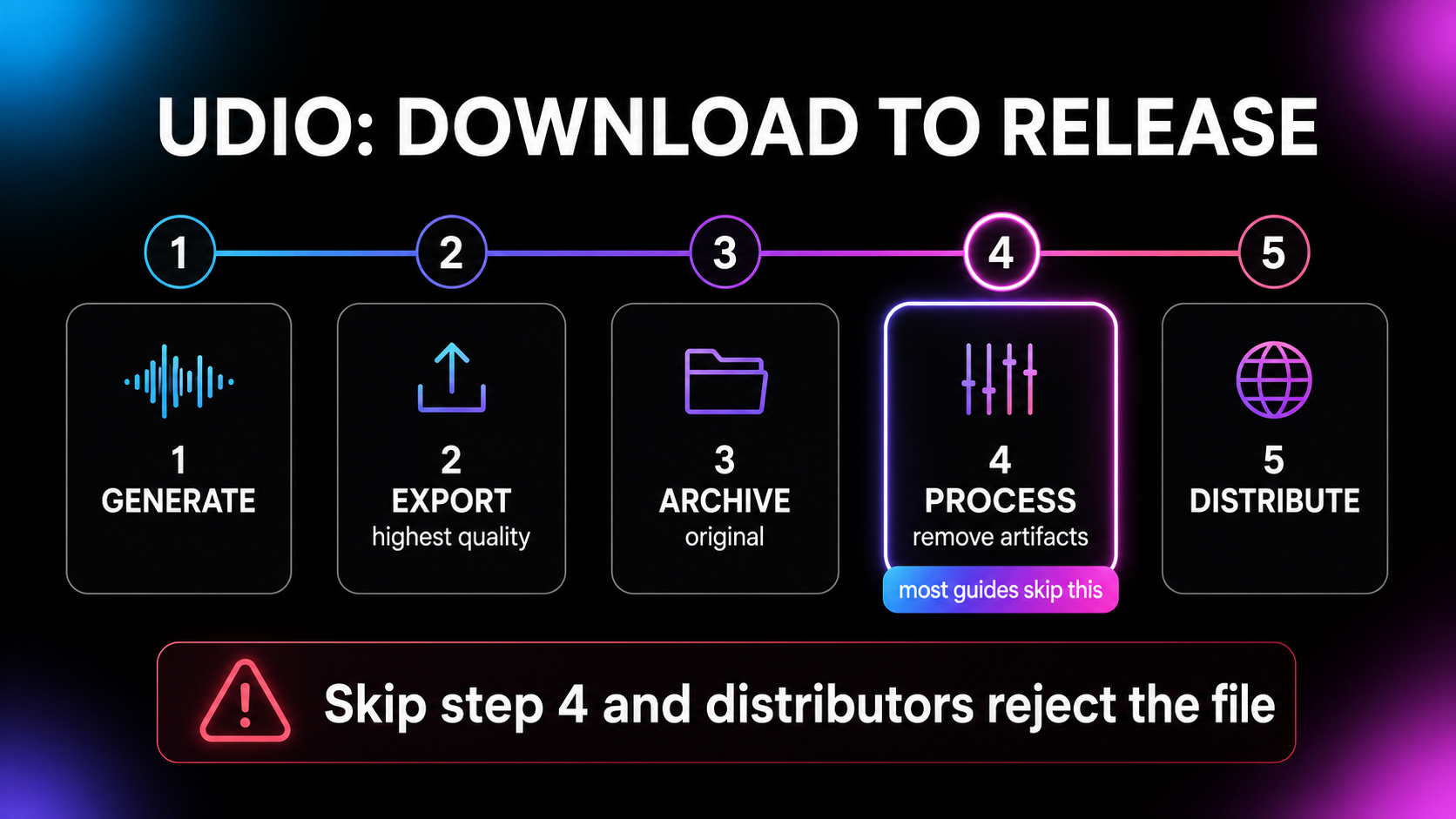
- Generate, and note the prompt and settings.
- Export at the highest quality your tier allows. Never start from a lossy file if a better one is available.
- Archive the original untouched in its own folder.
- Process before distribution. One pass, roughly 90 seconds, mastering included.
- Distribute normally through DistroKid, TuneCore, or your distributor of choice.
- Skip the free AI checkers. Their scores come from a different classifier than your distributor's and do not predict the outcome, a trap covered in our AI watermark detector guide.
The honest condition
Everything above assumes the tracks are yours: generated on your account, under a plan that grants you the rights you are exercising. Cleaning your own exports so they survive automated screening is standard release prep, no different in kind from mastering.
Downloading music you did not create, or processing it to pass it off as your own, is a different act. It violates platform policy everywhere and it is not what any tool on this site is recommended for.
The bottom line
Downloading from Udio is trivial; getting that download onto streaming is not. Take the best export your plan offers, keep the original, skip the sketchy third-party downloaders, and understand that the file still carries artifacts no format change will remove. The processing step between export and upload is the one that decides whether the track releases, and our Undetectr review documents what happened when we ran that step across 98 tracks and six distributor screens.
Frequently asked questions
Open the track in your Udio library and use the download option on the track itself. Udio serves the file directly, and what you get depends on your plan tier and the track's generation settings. Always take the highest-quality format offered: you can convert down later, but you can never recover detail that was discarded at export.
Udio serves standard audio containers, typically MP3 for quick sharing with higher-quality options depending on your plan. If a lossless or higher-bitrate export is available on your tier, use it. Distribution platforms want the best master you can supply, and mastering a lossy source bakes in compression artifacts you cannot undo.
Third-party downloaders exist but are rarely worth the risk: they break when Udio changes its front end, many require handing over account credentials, and some re-encode your audio to a lower quality without telling you. Native export is the safe route. Bulk download tools do exist for Suno playlists, including one bundled with Undetectr, but Udio's own export covers most workflows.
Free-tier downloads are generally available with limits, and commercial rights to what you download depend on the plan you generated under, not on the act of downloading. Check your tier before you release anything commercially, because the download itself grants you nothing your subscription did not already.
Because the file carries statistical generation artifacts left by the model. These are inaudible to listeners but readable by the classifiers DistroKid, TuneCore, CD Baby, and streaming platforms run against every upload. The rejection has nothing to do with how the track sounds or what format you exported.
If you intend to distribute to streaming, yes. In our testing, raw exports were flagged near-universally while processed files passed six distributor screens. Undetectr is the only purpose-built AI music watermark remover we have found, and it cleared 297 of 300 submissions in our second test round across a corpus that included Udio tracks.
No, and this is a common misconception worth killing. Format and bitrate do not determine whether a classifier flags your track. The generation artifacts live in the audio's statistical structure and survive format changes. A pristine lossless export of an unprocessed Udio track flags exactly like the MP3 does.
Ready to release your Suno tracks?
Explore Undetectr’s published track-processing features before preparing your release.